Building a Production-Ready REST API with Node.js
Learn how to build a robust REST API using Node.js, covering essential topics like folder structure, middleware, error handling, authentication, and rate limiting.
Published
26 April 2026
Reading Time
2 min read
Author
Infotact Team
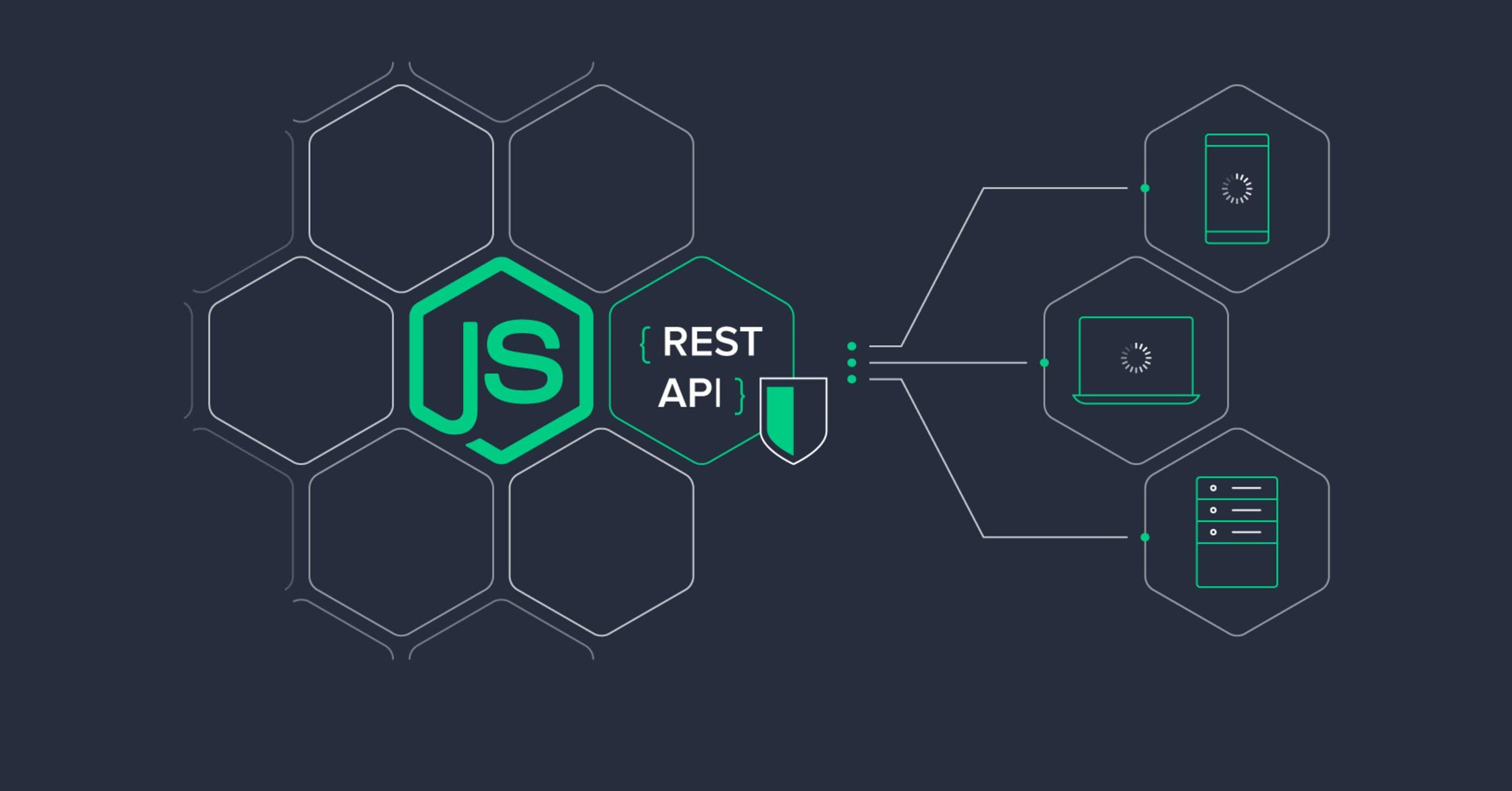
Building a Production-Ready REST API with Node.js
In today's digital world, creating a REST API is a fundamental skill for developers. This guide will walk you through building a production-ready REST API using Node.js, focusing on essential components such as folder structure, middleware, error handling, authentication, and rate limiting.
Folder Structure: MVC Pattern
Organizing your code efficiently is crucial for maintainability and scalability. We recommend using the MVC (Model-View-Controller) pattern. Here’s a simple folder structure:
project-root/
├── controllers/
├── models/
├── routes/
├── middlewares/
├── config/
└── server.js
This structure helps separate concerns, making it easier to manage your codebase.
Middleware Usage
Middleware functions are essential for handling requests and responses. In a Node.js application, you can use middleware to perform various tasks such as logging, authentication, and request parsing. Here’s an example of how to implement middleware:
const express = require('express');
const app = express();

// Custom middleware for logging
app.use((req, res, next) => {
    console.log(`${req.method} ${req.url}`);
    next();
});
Error Handling
Handling errors gracefully is vital for user experience. You should implement a centralized error handling mechanism in your application. Here’s a basic example:
app.use((err, req, res, next) => {
    console.error(err.stack);
    res.status(500).send('Something broke!');
});
Authentication & Security
Securing your API is paramount. Implement authentication using JSON Web Tokens (JWT) to ensure that only authorized users can access protected routes:
const jwt = require('jsonwebtoken');

// Middleware for checking token
const authenticate = (req, res, next) => {
    const token = req.headers['authorization'];
    if (!token) return res.sendStatus(401);
    jwt.verify(token, 'secret-key', (err, user) => {
        if (err) return res.sendStatus(403);
        req.user = user;
        next();
    });
};
Rate Limiting
To protect your API from abuse, implement rate limiting. You can use the `express-rate-limit` package to control the number of requests a user can make in a given timeframe:
const rateLimit = require('express-rate-limit');

const limiter = rateLimit({
    windowMs: 15 * 60 * 1000, // 15 minutes
    max: 100 // limit each IP to 100 requests per windowMs
});

app.use(limiter);
Conclusion
Building a production-ready REST API with Node.js involves careful planning and implementation of various components. By following these best practices, you can create a scalable, secure, and efficient API.
Call to Action
Ready to get started? Explore more about Node.js and enhance your backend development skills today!
Highlights
- •Master the MVC folder structure for better organization
- •Implement middleware for enhanced functionality
- •Ensure robust error handling throughout your API
- •Secure your API with authentication and security best practices
- •Utilize rate limiting to manage API traffic effectively
Need similar implementation support?
Work with our engineering team on scalable web apps, backend architecture, and growth-ready product delivery.
Related Content
Keep reading similar insights
General
How to Build a File Upload System Using Multer and Node.js
Learn how to create a robust file upload system with Multer and Node.js. This guide covers everything from installation to error handling.
General
Redis Caching Explained for Beginners
Discover how Redis can enhance your application's performance through effective caching. This guide covers installation, integration, and strategies for optimal use.
General
Docker for Developers: Complete Beginner Guide
Unlock the power of Docker with our comprehensive beginner's guide. Learn essential concepts, tools, and techniques for effective container deployment.