How to Build a File Upload System Using Multer and Node.js
Learn how to create a robust file upload system with Multer and Node.js. This guide covers everything from installation to error handling.
Published
18 June 2026
Reading Time
2 min read
Author
Infotact Team
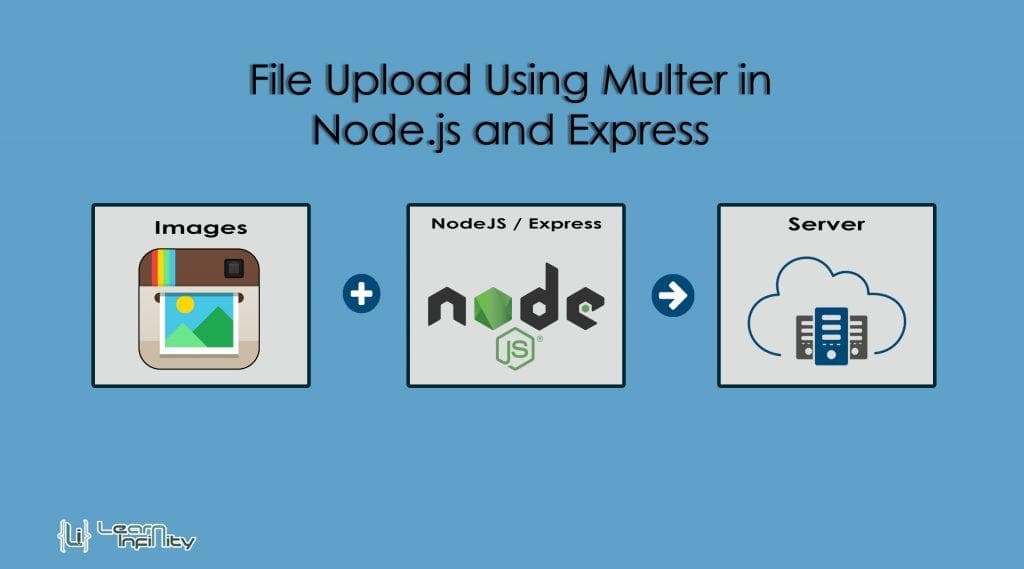
How to Build a File Upload System Using Multer and Node.js
Many modern web applications require users to upload images and documents. In this guide, we will explore how to build a file upload system using Multer, a middleware for handling multipart/form-data, which is primarily used for uploading files. We'll cover installation, configuration, and practical examples.
Installing Multer
To get started, you need to install Multer in your Node.js project. You can do this using npm:
npm install multerConfiguring Storage
Multer allows you to configure storage options. You can choose to store the files in memory or on disk. Here’s how to set up disk storage:
const multer = require('multer');
const storage = multer.diskStorage({
  destination: function (req, file, cb) {
    cb(null, 'uploads/')
  },
  filename: function (req, file, cb) {
    cb(null, Date.now() + '-' + file.originalname)
  }
});
const upload = multer({ storage: storage });
Uploading Single Files
To upload a single file, you can use the following route:
app.post('/upload', upload.single('file'), (req, res) => {
  res.send('File uploaded successfully!');
});
Uploading Multiple Files
For uploading multiple files, you can use upload.array:
app.post('/uploads', upload.array('files', 10), (req, res) => {
  res.send('Files uploaded successfully!');
});
File Validation
Validating files is essential to ensure that users upload the correct file types. You can do this by setting limits in the Multer configuration:
const upload = multer({
  storage: storage,
  fileFilter: function (req, file, cb) {
    const filetypes = /jpeg|jpg|png|gif/;
    const mimetype = filetypes.test(file.mimetype);
    const extname = filetypes.test(path.extname(file.originalname).toLowerCase());
    if (mimetype && extname) {
      return cb(null, true);
    }
    cb('Error: File upload only supports the following filetypes - ' + filetypes);
  }
});
Error Handling
Proper error handling is crucial for a good user experience. Here’s how you can handle errors:
app.use((err, req, res, next) => {
  if (err) {
    return res.status(400).send(err);
  }
  next();
});
Applications
File upload systems can be used in various applications, including:
- Profile images
- Documents
- Product images
Implementing a file upload system enhances user experience and engagement.
Conclusion
In this guide, we covered the basics of building a file upload system using Multer and Node.js. With proper configuration and validation, you can ensure a seamless experience for your users.
Highlights
- •Multer simplifies file uploads in Node.js
- •Error handling is crucial for user experience
- •File validation protects your application
Need similar implementation support?
Work with our engineering team on scalable web apps, backend architecture, and growth-ready product delivery.
Related Content
Keep reading similar insights
General
Building a Scalable MERN Stack Application from Scratch
Learn how to build a scalable MERN stack application from the ground up. This guide covers everything from project structure to deployment best practices.
General
Redis Caching Explained for Beginners
Discover how Redis can enhance your application's performance through effective caching. This guide covers installation, integration, and strategies for optimal use.
General
Building a Production-Ready REST API with Node.js
Learn how to build a robust REST API using Node.js, covering essential topics like folder structure, middleware, error handling, authentication, and rate limiting.